Building a multi-day trip
A trip is a sequence of days — departure, riding days, and rest days — each with its own checklist. Building your own trip is part of Pro.
-
Start a trip
From the first screen, tap "Trips" — or tap "+ Start a trip" on the Garage banner. Either way MotoChecklist asks what kind of trip you're starting: tap "Plan a multi-day trip" rather than "From a Kit".
Then set it up: pick the bike, set the terrain, and name the trip.
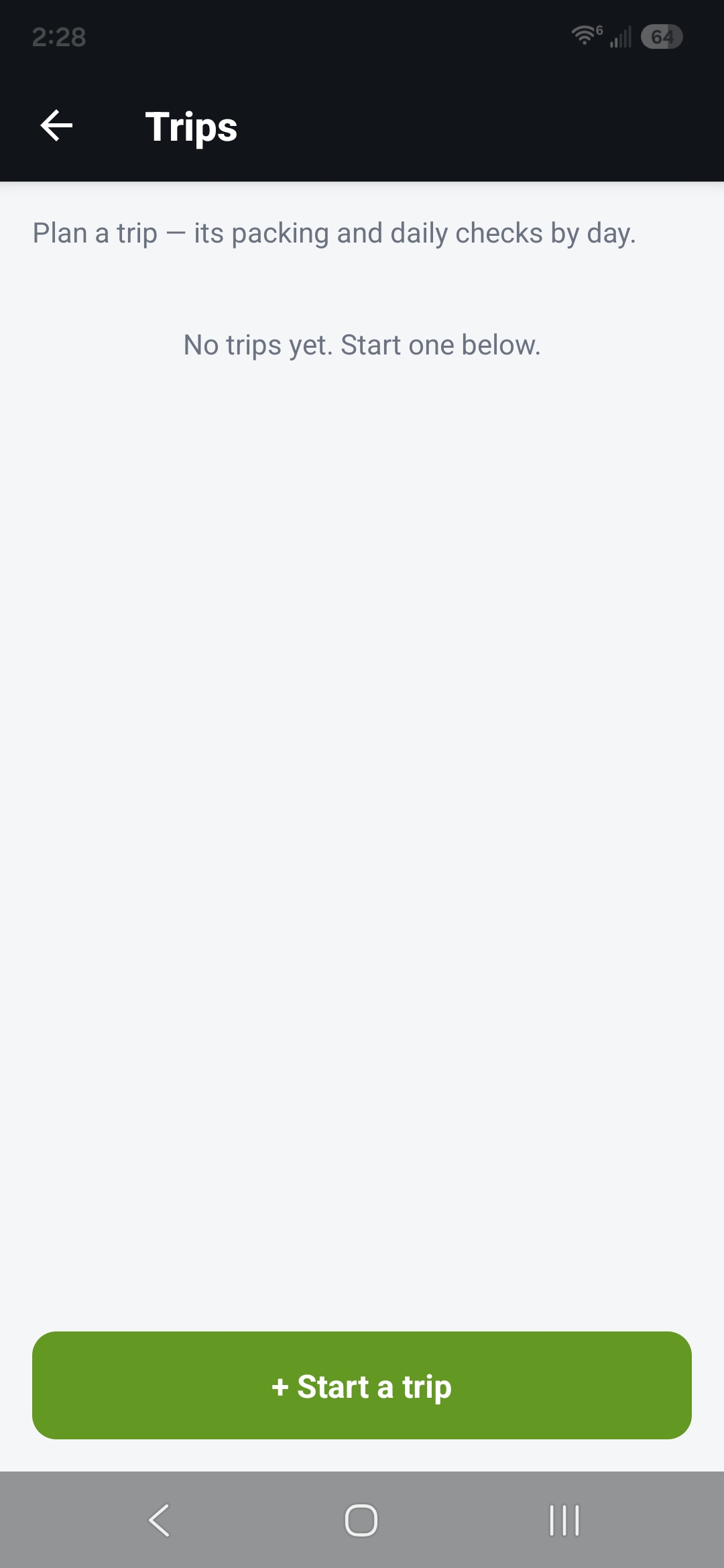
Trip setup screen -
Build the days
A trip started this way begins with a departure day and Day 1. Add more riding days, or rest days for nights off the bike.
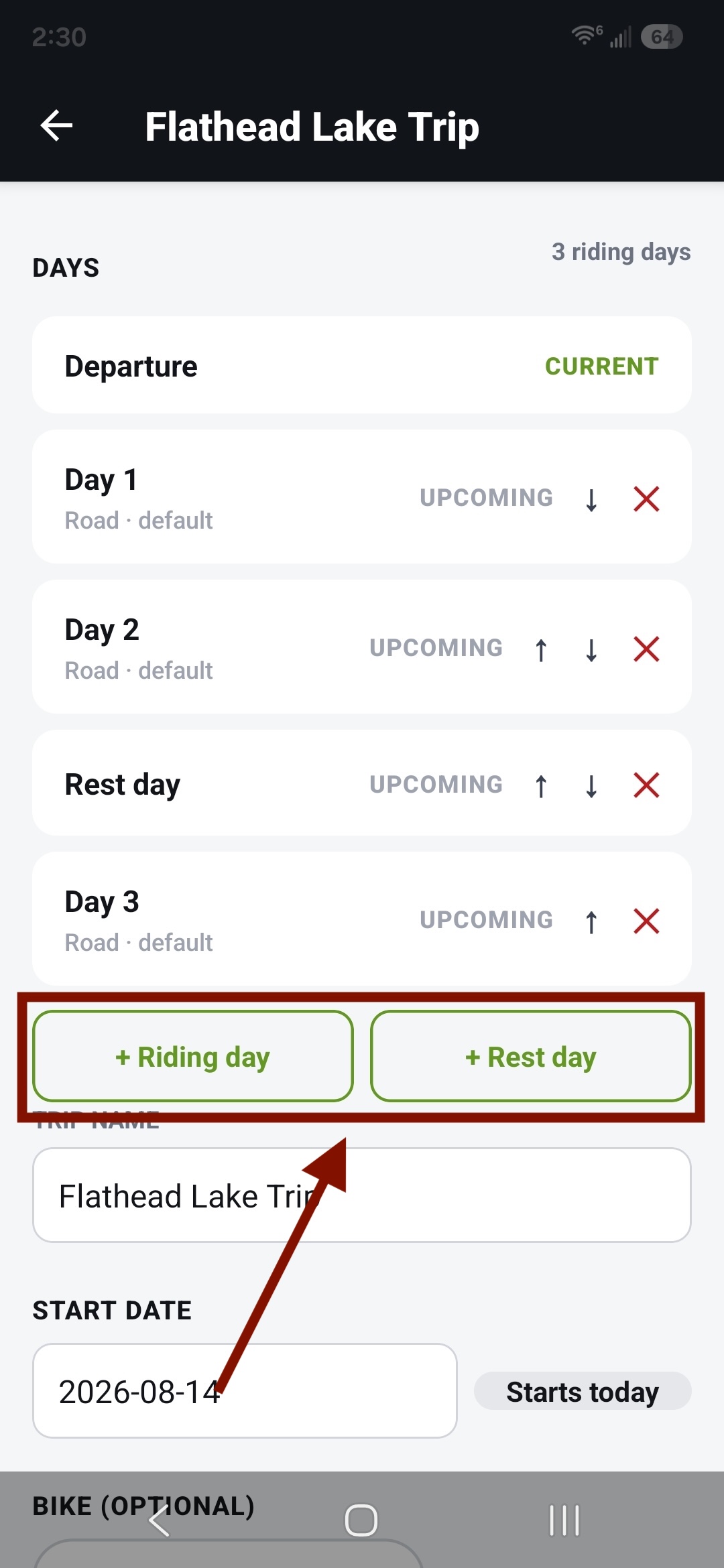
Days list with add-day options -
Save and ride
Your active trip shows in the Garage. Tap "Open today's check" to go straight to today's list. You can also tap "Trips" to see every trip you've got.
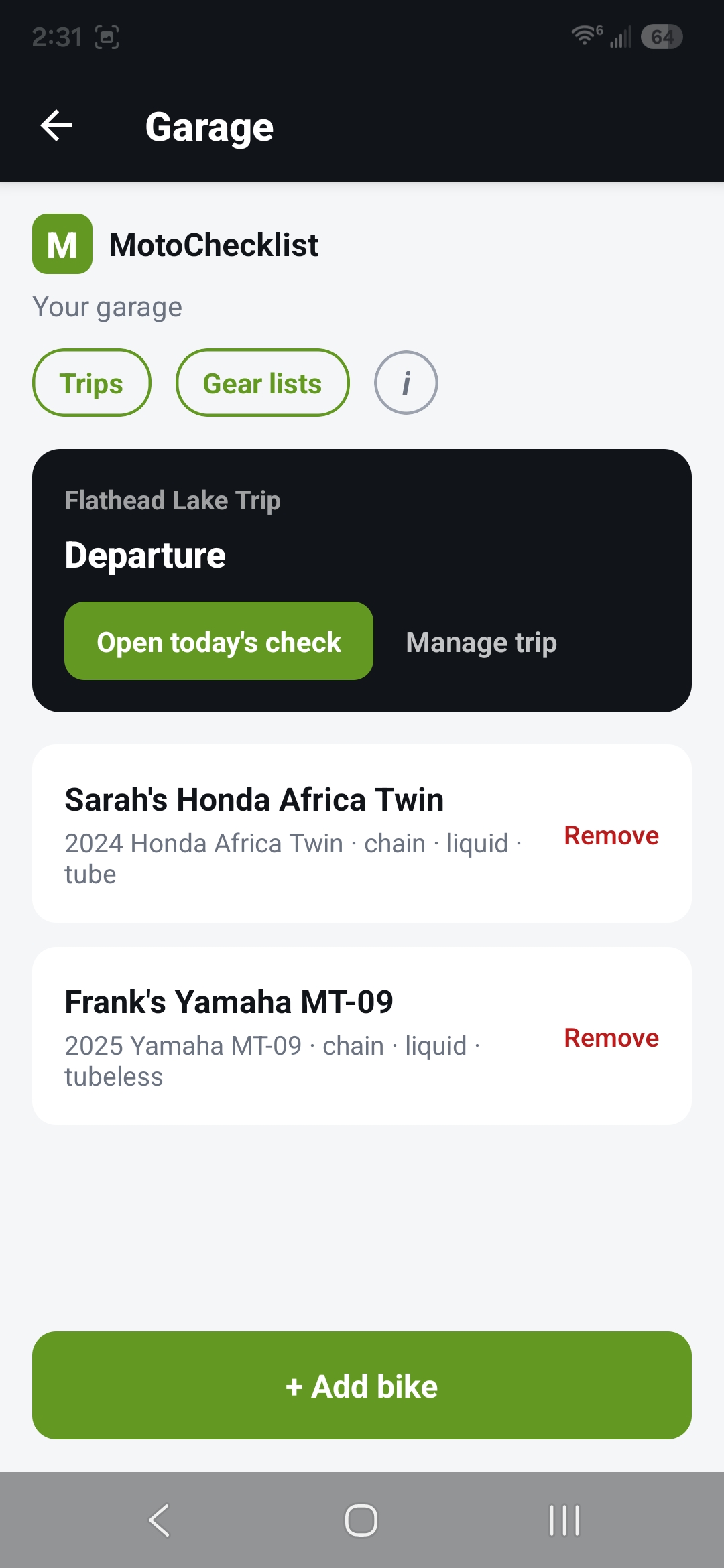
Garage active-trip banner 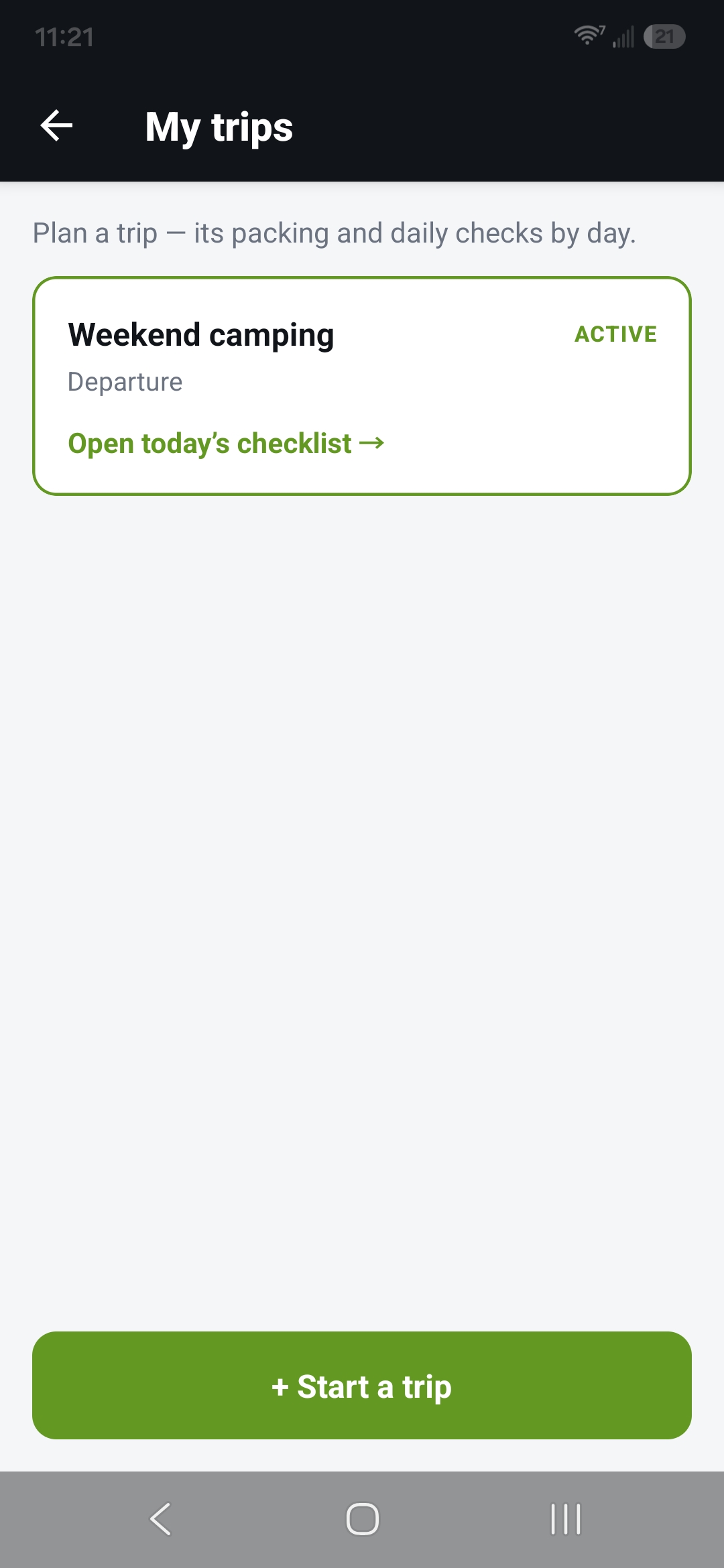
My trips, with the active trip at the top -
Move through the trip
Work today's list, then mark the day complete to advance. You can reorder, add, or remove days that are still ahead of you; the current and finished days stay put.
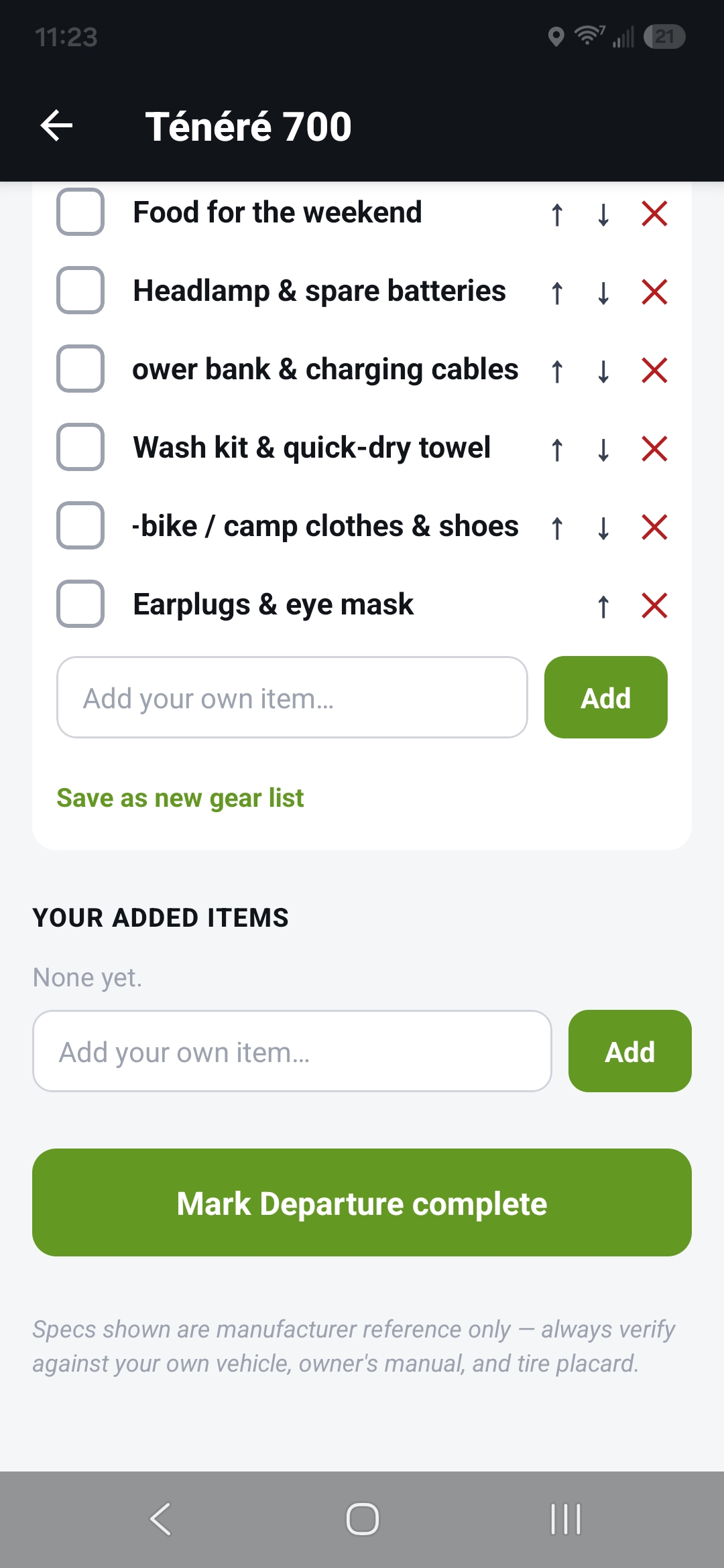
In-trip checklist with "Mark Departure complete" -
Finish
On the last list, tap "Finish trip". MotoChecklist asks you to confirm, then saves the trip to your trips list with a "DONE" tag. You can still open it to look back over the days.
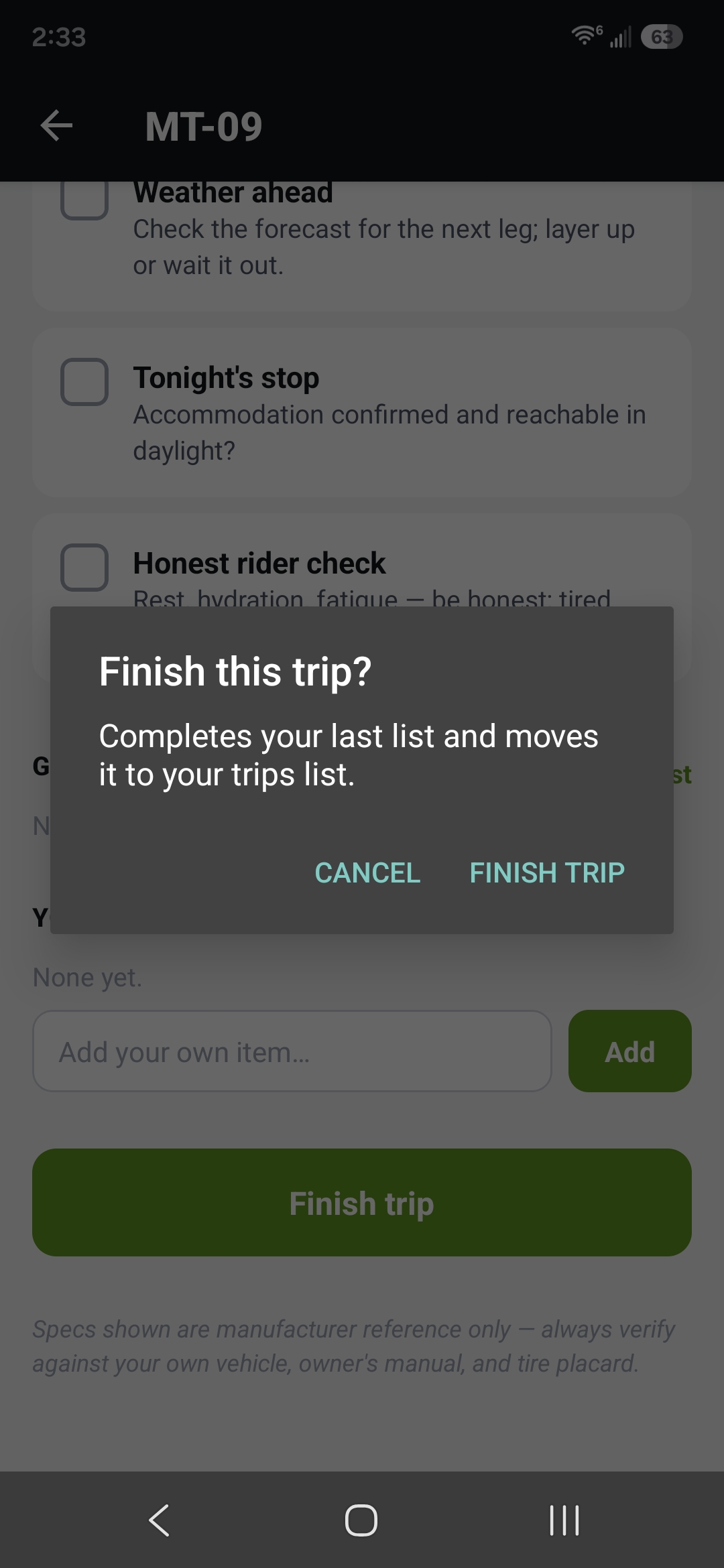
The "Finish this trip?" confirm