Getting started
Add your bike, set the terrain, get your checklist. Here's the whole loop.
-
Open the Garage
Your bikes live here. The first time, it's empty. Tap to add one.
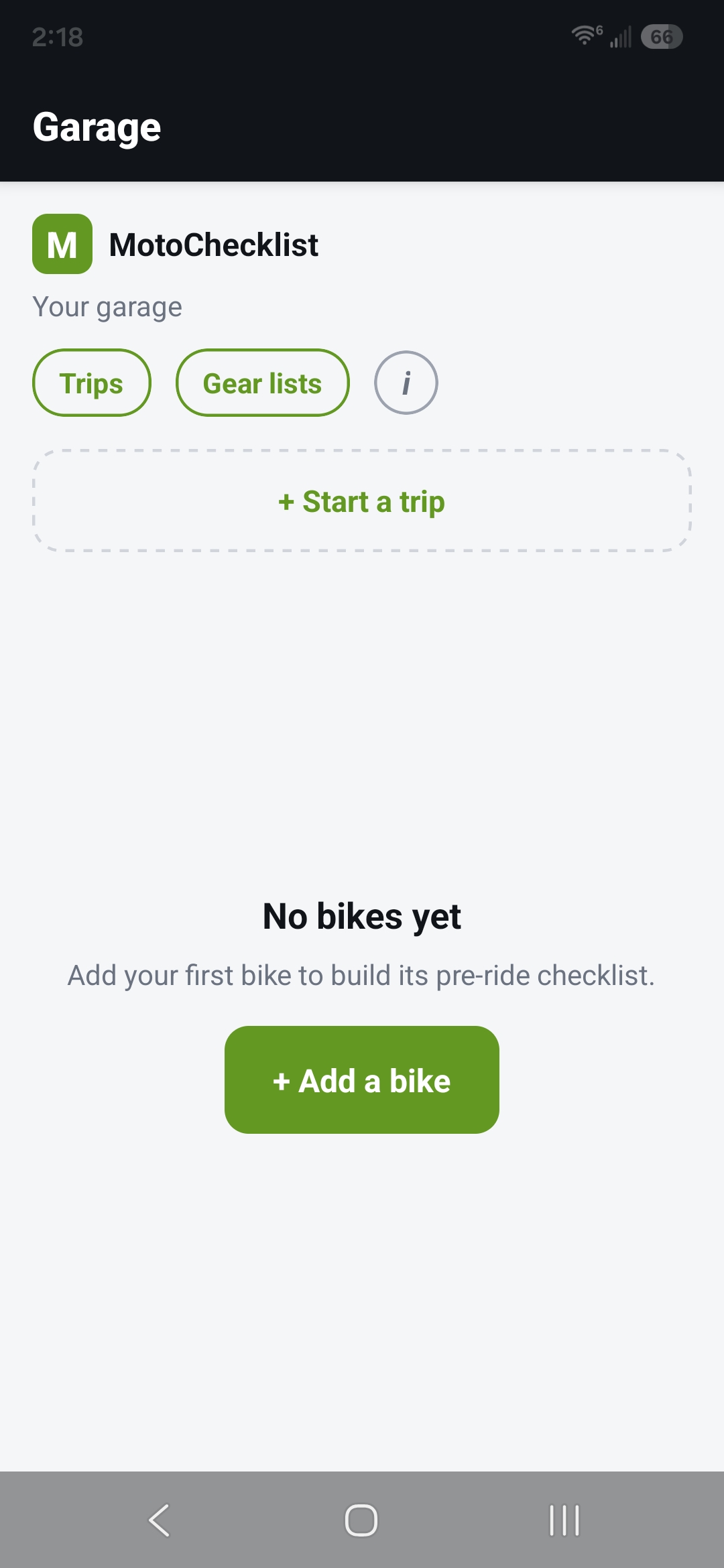
Garage — empty state -
Pick make, model, year
Work down the list: make, then model, then year. If a year covers more than one version of the bike, MotoChecklist asks which one.
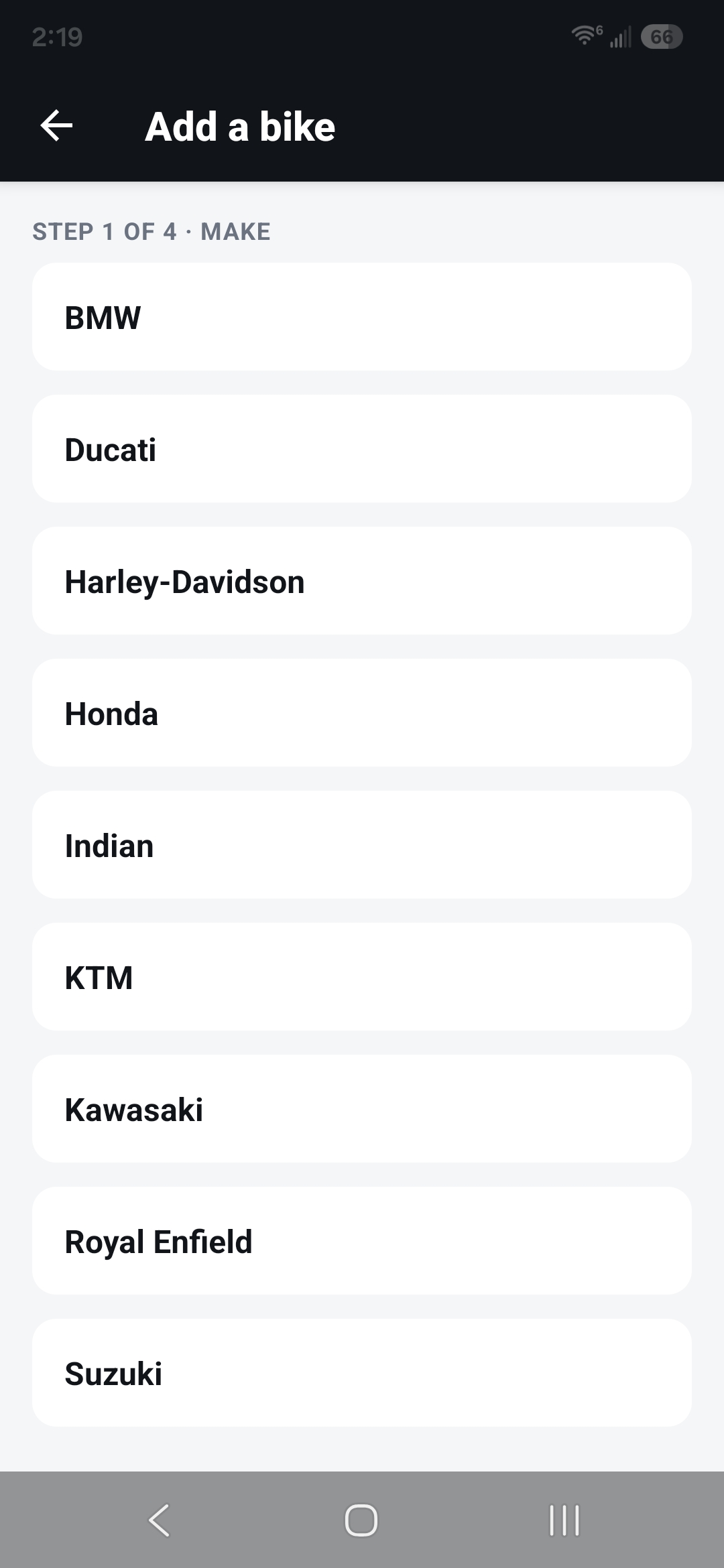
Make step 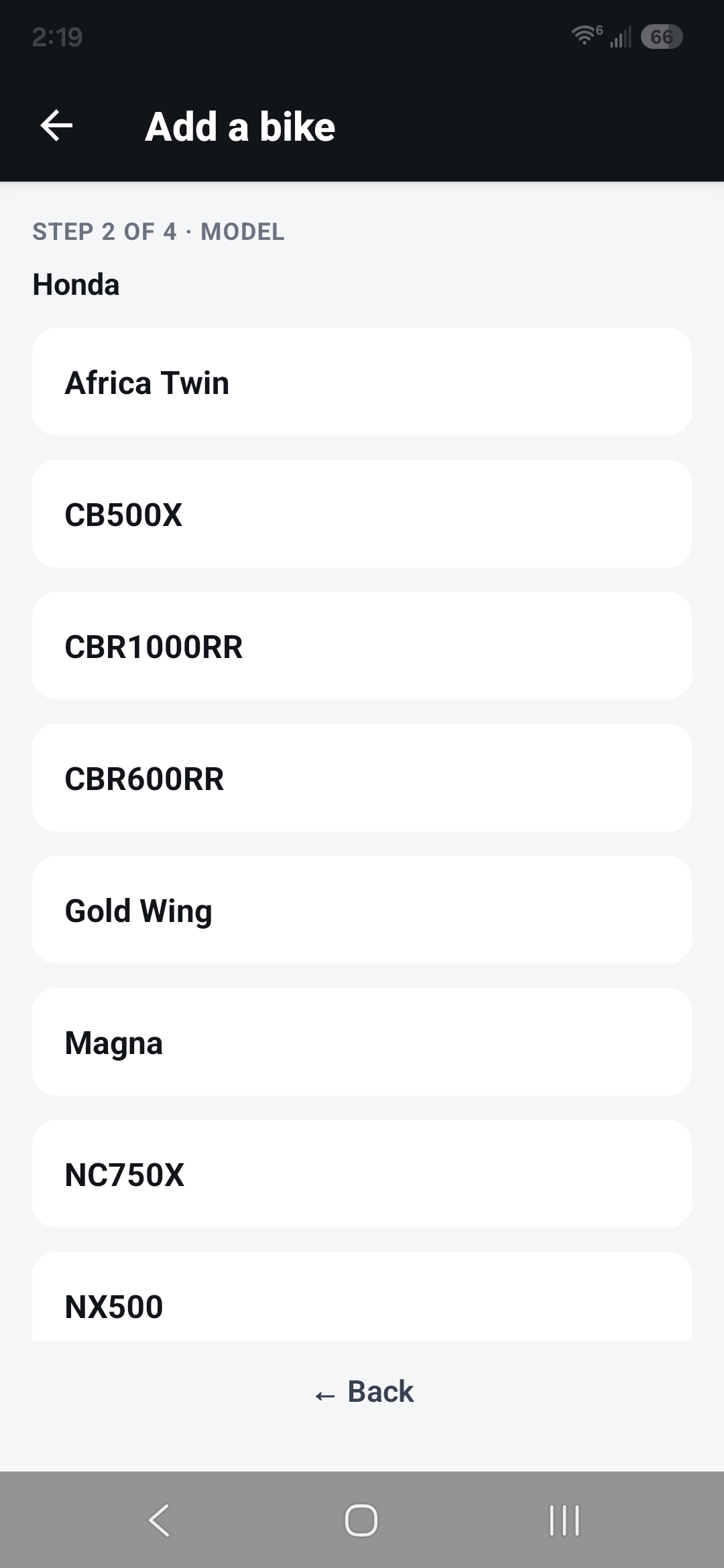
Model step 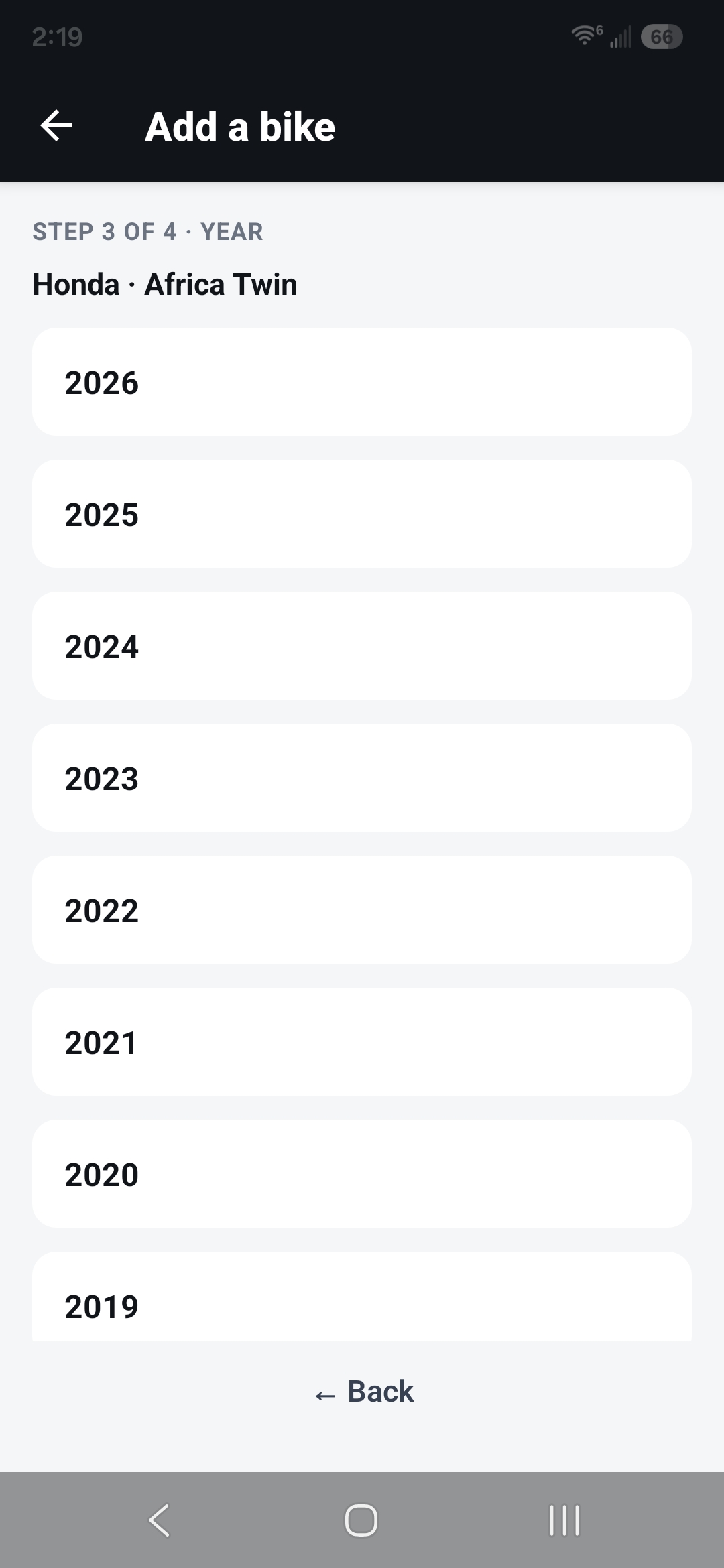
Year step 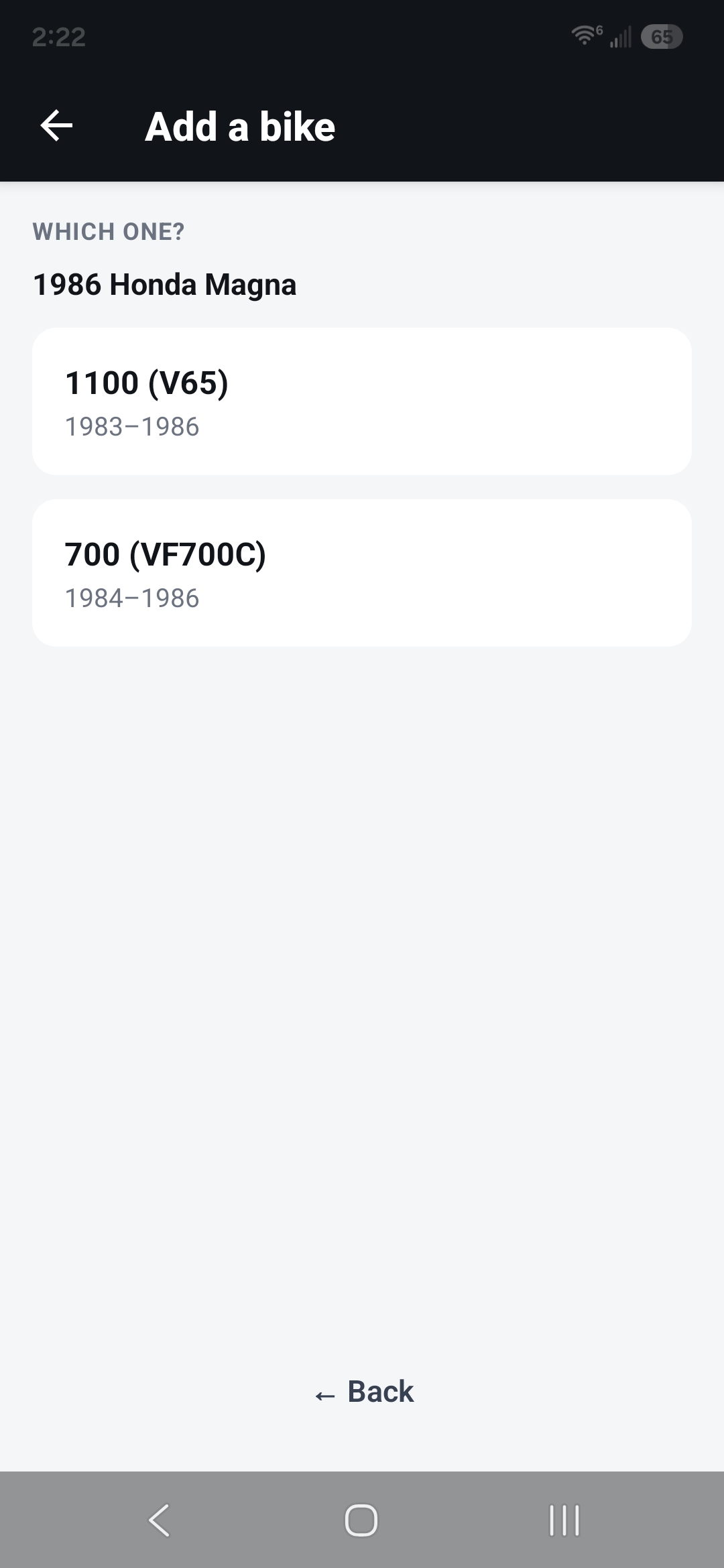
The "Which one?" step -
Name it
Give the bike a name so you can tell it apart in the Garage.
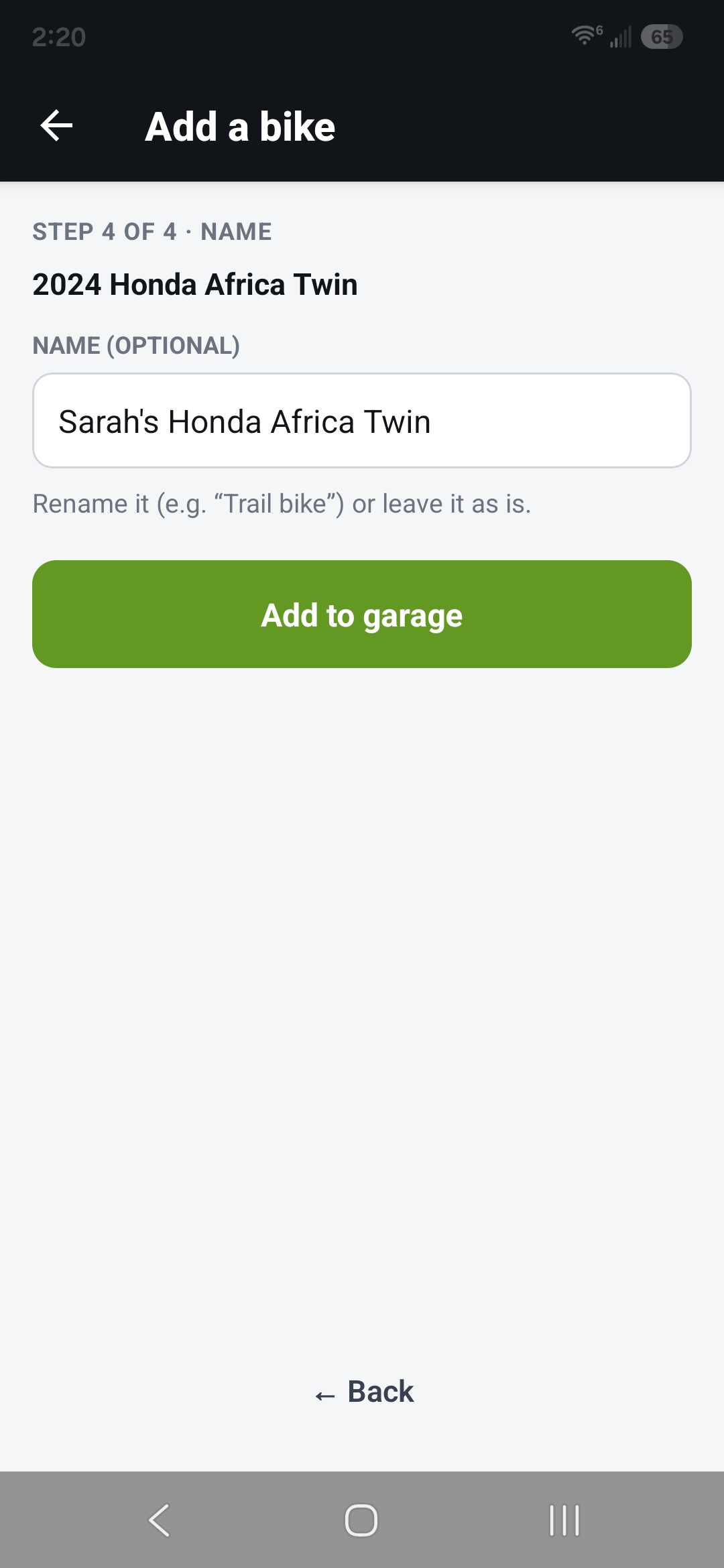
Name step 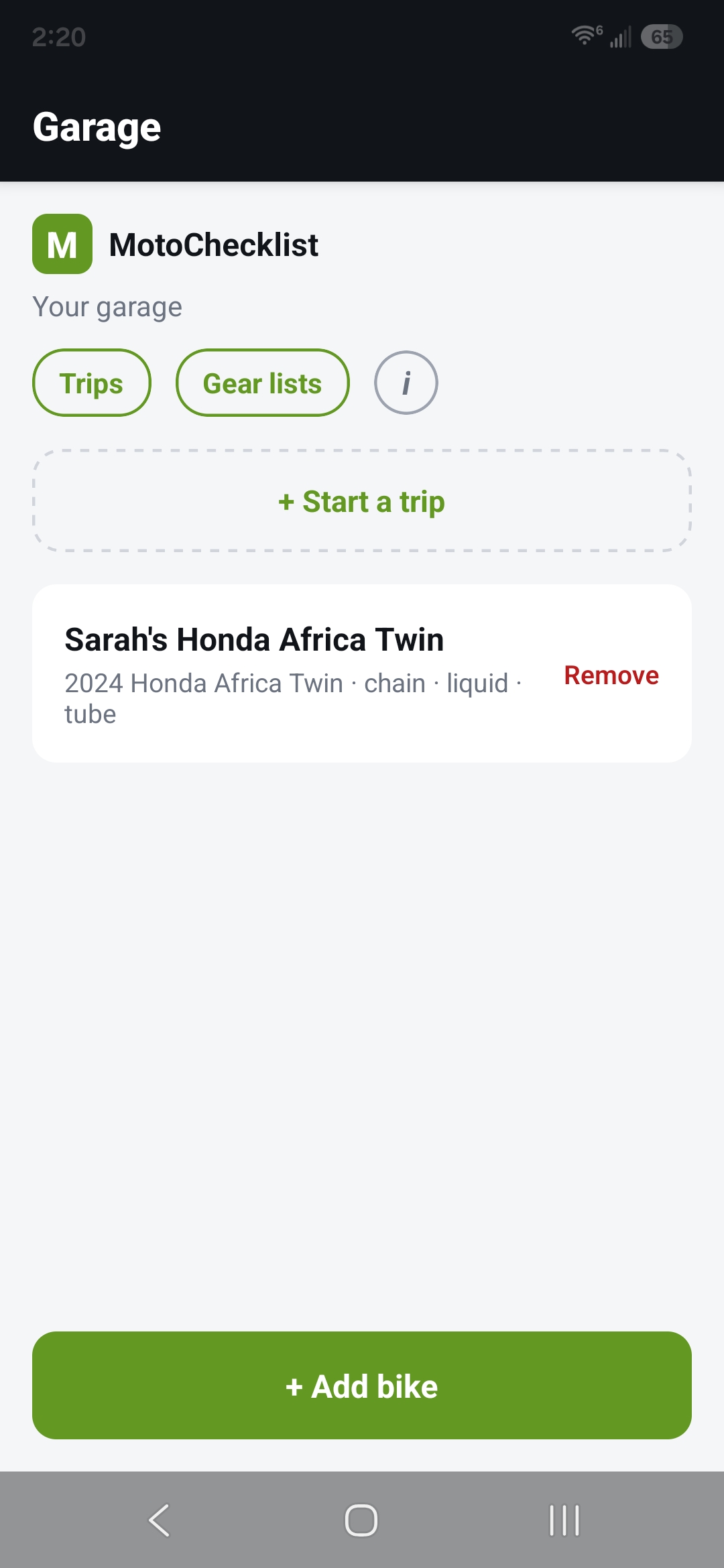
Garage with the new bike card -
Open its checklist
Tap the bike. At the top, set the terrain — road, mixed, or off-road. Below, your checklist is grouped into sections.
On a trip and the morning says mud? See Adjusting terrain morning-of.
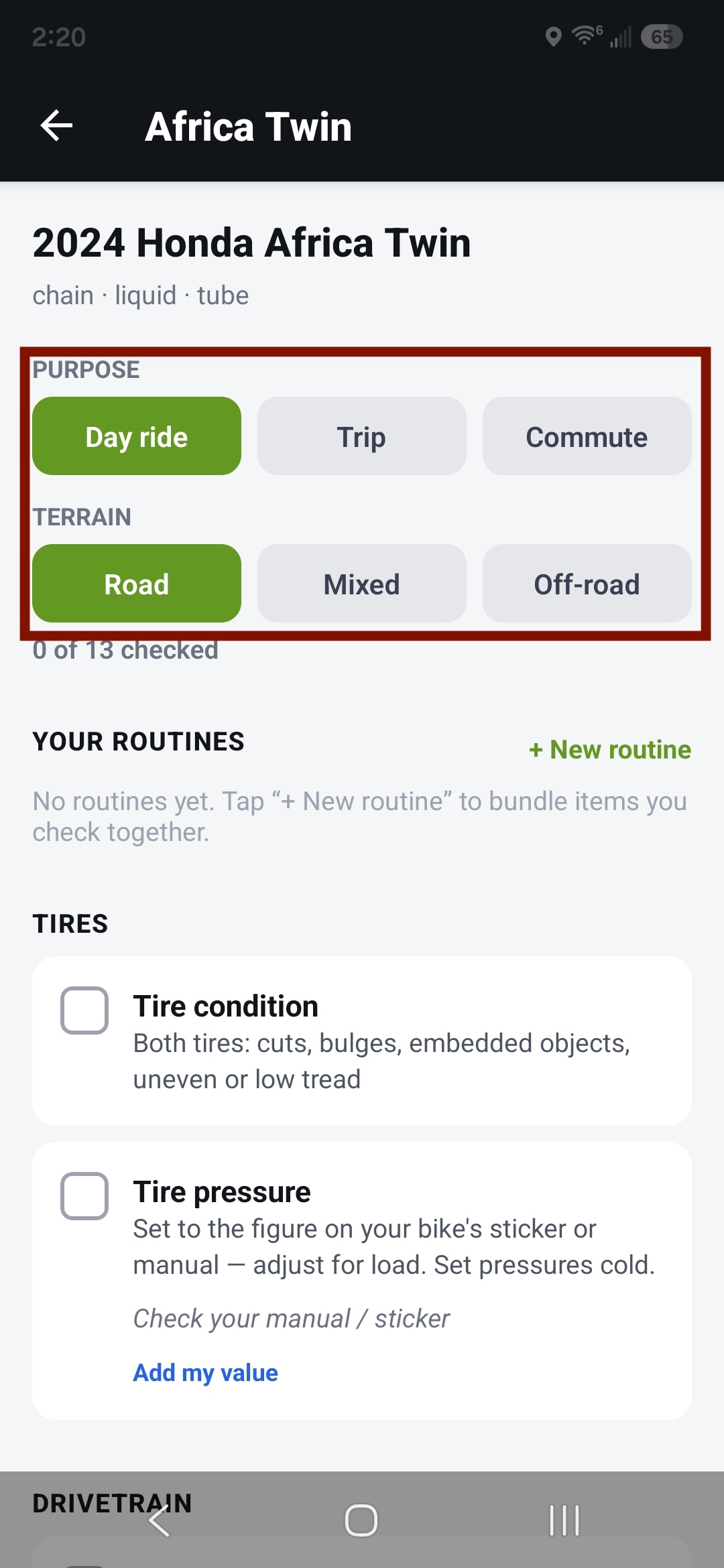
Checklist top — terrain selector 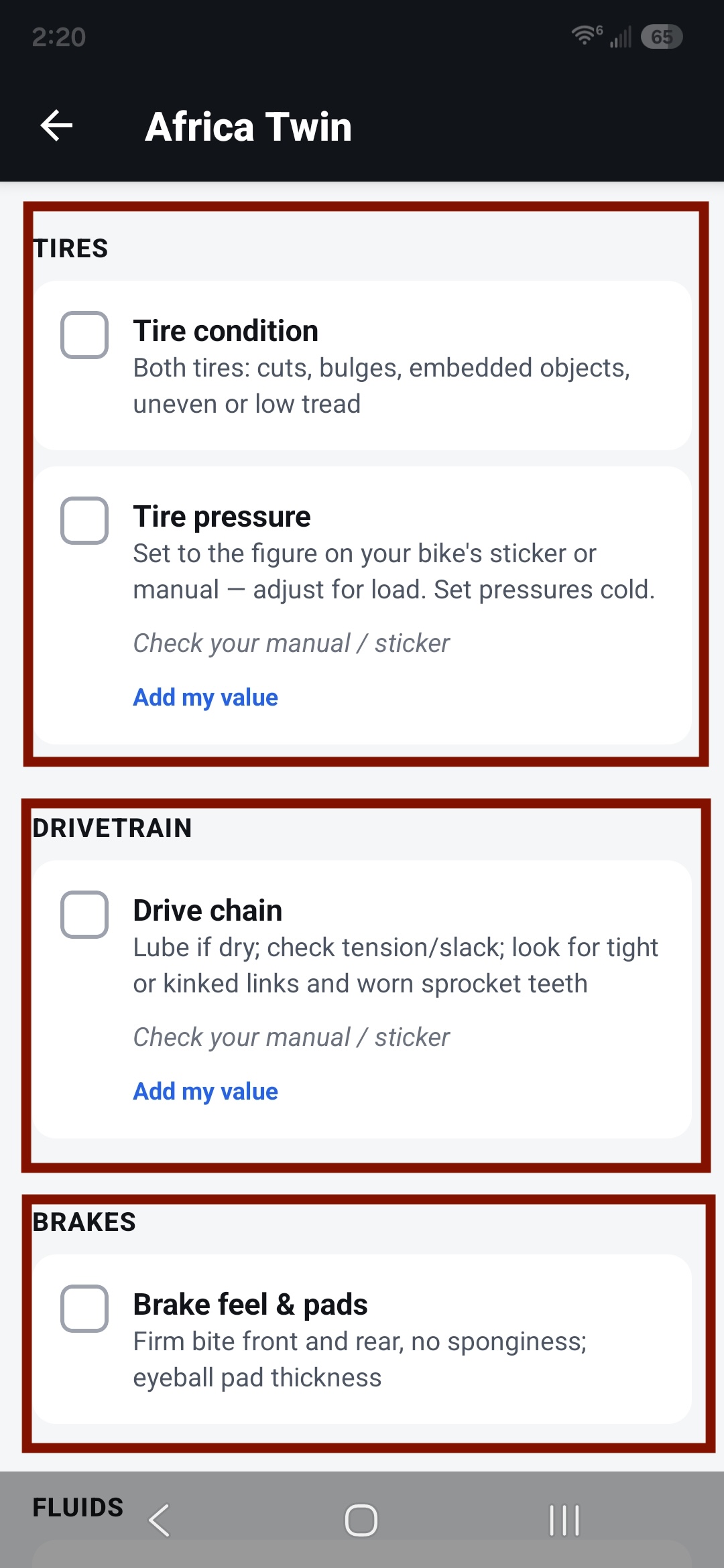
Checklist sections -
About the reference values
Some items show a reference figure to check against. Where MotoChecklist doesn't have a confirmed value for your bike, it says so — "check your manual" — rather than guess. You can set your own value on any item, and it'll remember it for that bike.
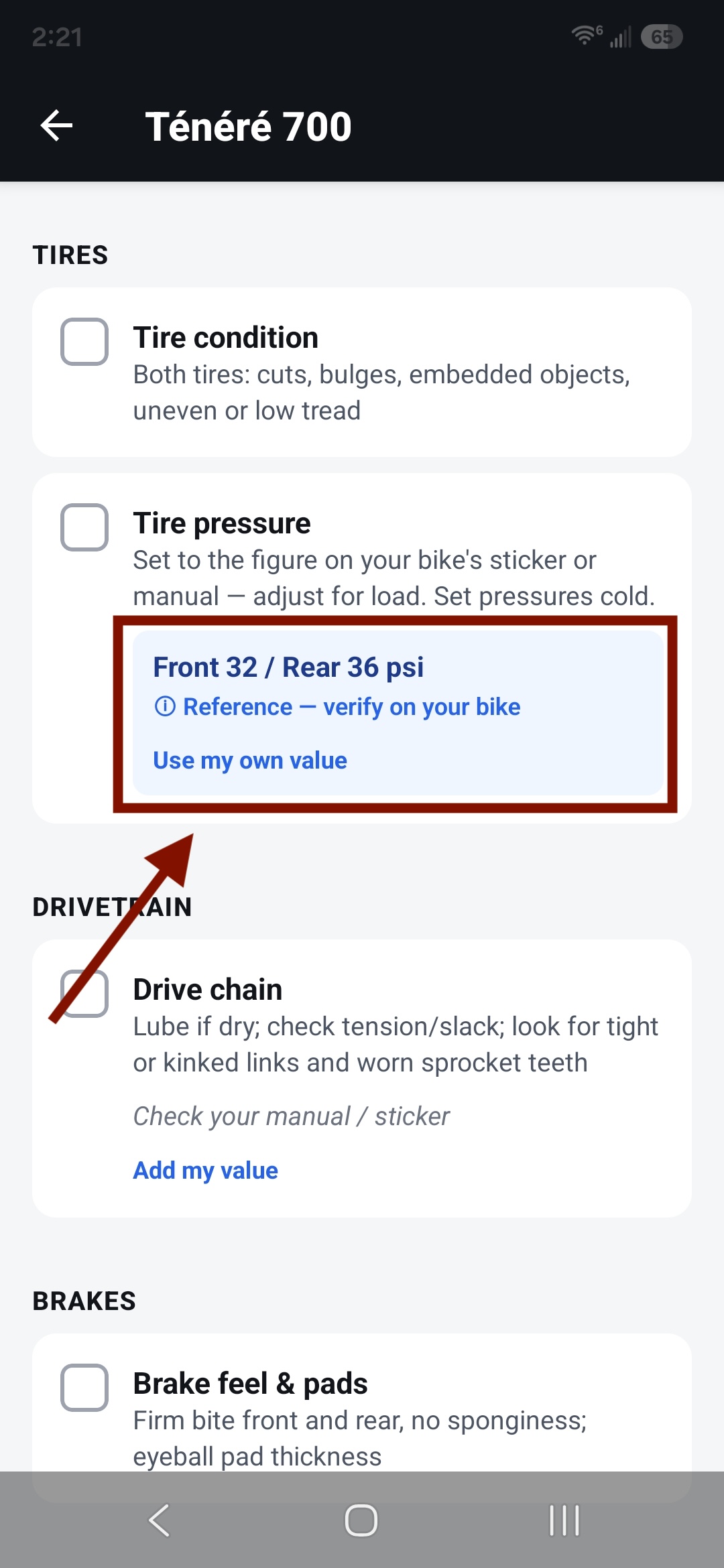
A row showing a reference value 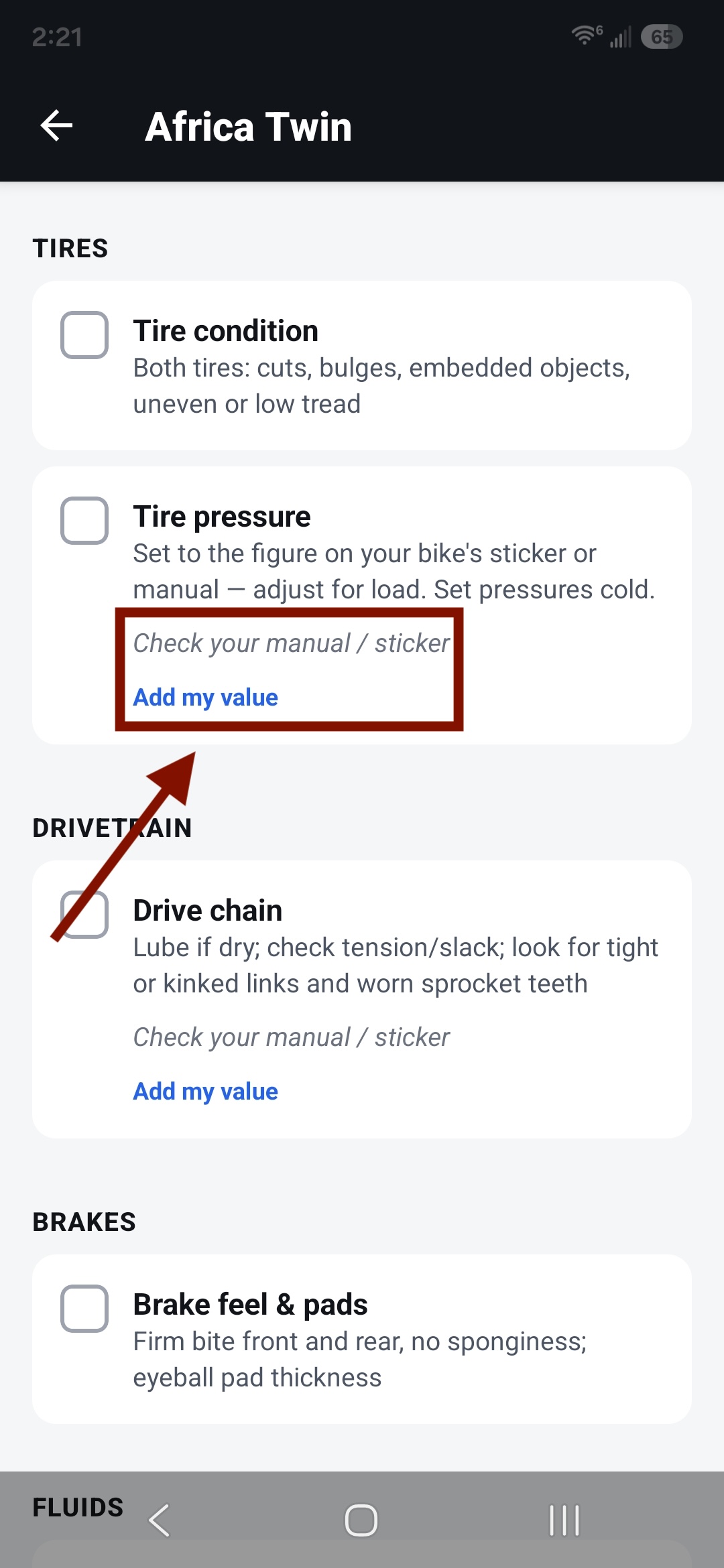
A row showing "check your manual" 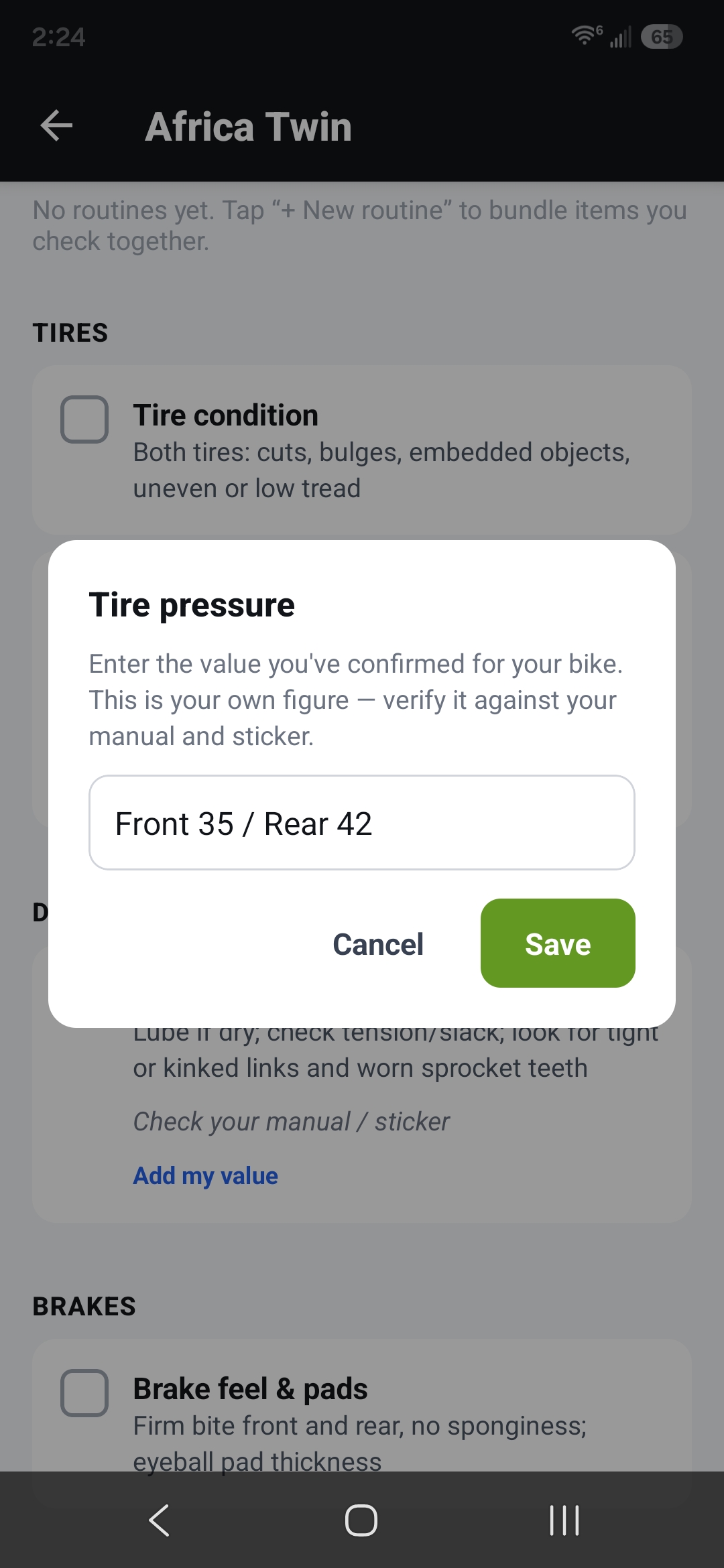
Setting your own value